STEP 01
Upload your file
Drag and drop your audio, video, PDF, or image file. We support files up to 5GB.
M4A is what your iPhone Voice Memos app records. Upload the file — or use the iOS app directly — and get an accurate transcript in minutes. Free under 5 minutes.
By using this tool, you agree to our Terms of Service. 1Transcribe is not liable for any legal consequences resulting from your unauthorized use of this tool.
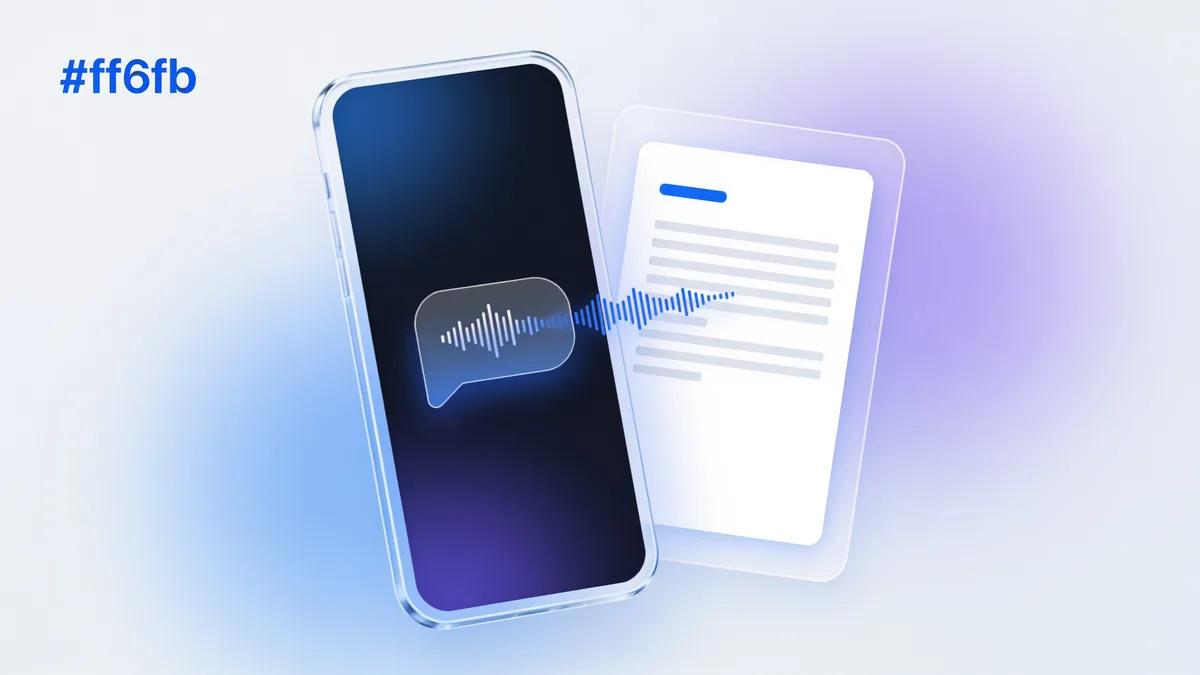
Upload the M4A to 1Transcribe in your browser, or open it directly in the 1Transcribe iOS app, and OpenAI's Whisper models transcribe it in minutes with up to 99.9% accuracy and automatic speaker labels. M4A files under 5 minutes are free with no signup; recordings up to 10 hours are supported. Export the transcript to Word, PDF, SRT, or TXT.
If you record on an Apple device, you have M4A files. The Voice Memos app on iPhone, iPad, and Mac saves every recording as M4A (AAC audio in an MPEG-4 container), and many Android recorders and call-recording apps use it too. It is a modern, efficient format — but most word processors and older transcription tools don't open it, which is why "convert M4A" is such a common search. 1Transcribe transcribes M4A natively: no conversion to MP3, no third-party tools, no quality loss.
The fastest routes from a recording on your phone to a finished transcript:
Voice memos are rarely studio-clean — they're recorded in cars, cafes, and lecture halls on a phone mic. 1Transcribe runs OpenAI's latest Whisper models, which were trained on exactly this kind of real-world audio and reach up to 99.9% accuracy on clear recordings, holding up well against background noise and accents. Automatic speaker labels separate voices when you record a conversation or meeting, and 99+ languages are auto-detected — with optional translation of any language into English text. A single M4A can be up to 10 hours and 5 GB. For the full workflow, see voice memo transcription.
Once transcribed, edit the text in the browser or app, then export to Word (.docx), PDF, TXT, or SRT. Long memos — a recorded lecture, a rambling idea dump — can be condensed with a one-click AI summary. Memos under 5 minutes are free with no signup; Unlimited is US$19.99/month or US$49.99/year (about US$4.17/month) and covers batches of 5 files at a time. Recordings are never used to train AI and are deleted after 14 days.
| Input format | M4A (AAC), plus MP3, WAV, AAC, OGG, OPUS, FLAC, AMR, WMA |
|---|---|
| Typical source | iPhone/iPad/Mac Voice Memos, call recorders |
| AI engine | OpenAI Whisper (latest models) |
| Accuracy | Up to 99.9% on clear audio |
| Languages | 99+, with automatic detection |
| Translation | Any language to English text |
| Max file length | 10 hours per file |
| Max file size | 5 GB per file |
| Speaker labels | Yes — automatic diarization |
| Export formats | DOCX (Word), PDF, SRT, TXT |
| Free tier | M4As under 5 minutes, no signup |
Ideas, reminders, and notes-to-self recorded on the go become text you can search and paste anywhere.
A phone on the table captures the meeting as M4A — upload it and get labeled, timestamped minutes.
Students record classes in Voice Memos; transcripts turn them into study notes and AI quizzes.
Journalists recording with an iPhone get quotable text without a separate recorder or conversion step.
Many call-recording apps save M4A — turn client calls into written records.
Record in any of 99+ languages and read it back in English with built-in translation.
One subscription · every device
Transcribe on your phone. Edit on your laptop. Dictate on your Mac or PC.
Everything you need for perfect transcriptions, built for heavy users.
Powered by OpenAI's latest Whisper models. We handle accents, background noise, and technical jargon with ease.
Upload files up to 10 hours long and 5GB in size. Perfect for long interviews, lectures, and court proceedings.
Automatically detects and labels different speakers (Diarization), making your transcripts easy to read and edit.
From English to Spanish, French, Chinese, and more. We automatically detect the language for you.
Transcribe Audio (MP3, WAV, M4A...), Video (MP4, MOV...), and extract text from PDFs and Images.
Your files are yours alone. We don't use them for AI training, and they are automatically deleted after 14 days.
Get your transcript ready in minutes by following these three simple steps
Drag and drop your audio, video, PDF, or image file. We support files up to 5GB.
Our AI analyzes your file with 99.9% accuracy, identifying speakers and timestamps automatically.
Review your transcript and export it instantly in DOCX, PDF, SRT, or TXT formats.
No hidden fees. No subscription traps. Cancel anytime.
Free for short files (< 5min).
Files longer than 5 minutes require a subscription.
Best for ongoing transcription work.
Best value for regular users.
Plans auto-renew for your convenience. Cancel anytime in 1 click from your account settings.
“1Transcribe cut my transcription time from hours to minutes. Total game changer.”
— Sarah, Journalist
4.6 from 27,000+ reviews
Everything you need to know about 1Transcribe.
Meet 1Transcribe Dictation — speak 4× faster than you type, in Gmail, Slack, Notion, Cursor, or any app on your Mac or Windows.
Join over 1,000,000 users who trust 1Transcribe for fast, accurate transcriptions.