STEP 01
Upload your file
Drag and drop your audio, video, PDF, or image file. We support files up to 5GB.
Upload audio, choose a language, and get an accurate, speaker-labeled transcript you can edit or export. Free for files under 5 minutes.
By using this tool, you agree to our Terms of Service. 1Transcribe is not liable for any legal consequences resulting from your unauthorized use of this tool.
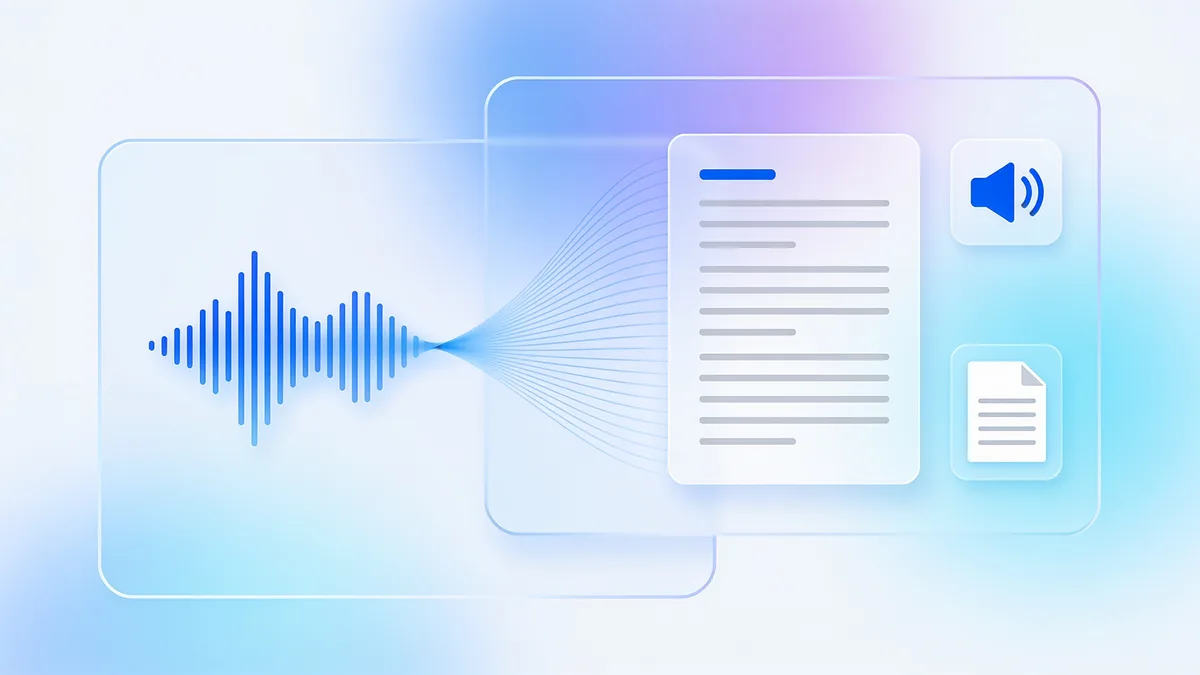
Upload your audio file (MP3, WAV, M4A, and more), choose the language or let 1Transcribe detect it automatically, and OpenAI's Whisper models return an accurate, speaker-labeled transcript in minutes. Files under 5 minutes are free with no signup. Longer files — up to 10 hours and 5 GB — need a subscription, and you can export to Word, PDF, SRT, or TXT.
Audio transcription is the process of converting the spoken words in a recording into written text. Instead of replaying a file and typing it out by hand, an AI transcription tool listens to the audio and produces a readable, time-stamped transcript in a fraction of the time.
1Transcribe runs OpenAI's Whisper — a speech-recognition model trained on 680,000+ hours of audio — so transcripts stay accurate even with accents, background noise, and technical vocabulary. There is nothing to install: it works in your browser and in the iOS, Android, Mac, and Windows apps.
Turning a recording into a transcript takes three steps and a couple of minutes:
1Transcribe accepts every common recording format. Upload audio such as MP3, WAV, M4A, AAC, OGG, OPUS, FLAC, AMR, and WMA, or video such as MP4, MOV, AVI, MKV, and WEBM — the audio track is transcribed automatically. You can also extract text from PDFs and images with built-in OCR.
Transcription is only useful if it is accurate, so 1Transcribe uses the latest Whisper models to reach 99.9% accuracy on clear audio. Speaker identification (diarization) labels who said what, so interviews and meetings are easy to follow. And unlike tools that cap you at short clips, you can transcribe a single file up to 10 hours long without splitting it — ideal for depositions, lectures, and panel recordings. Every transcript can also generate an AI summary, so you get the key points without reading the whole thing.
| AI engine | OpenAI Whisper (latest models) |
|---|---|
| Accuracy | Up to 99.9% on clear audio |
| Languages | 99+, with automatic detection |
| Audio formats | MP3, WAV, M4A, AAC, OGG, OPUS, FLAC, AMR, WMA |
| Video formats | MP4, MOV, AVI, MKV, WEBM |
| Max file length | 10 hours per file |
| Max file size | 5 GB per file |
| Speaker labels | Yes — automatic diarization |
| Export formats | DOCX, PDF, SRT, TXT |
| Free tier | Files under 5 minutes, no signup |
| Price | Free, or Unlimited from US$4.17/mo billed yearly |
Turn recorded interviews into quotable, searchable text with speaker labels — in minutes, not hours.
Transcribe Zoom, Teams, and Google Meet recordings, then get an AI summary with the decisions and action items.
Generate clean transcripts and SRT subtitles to publish show notes and make episodes searchable.
Convert recorded classes into notes you can review, search, and quiz yourself on.
Transcribe long depositions, dictations, and consultations with the highest file-length limits in the industry.
Send a WhatsApp voice note or a phone memo to text so you can read it at a glance.
One subscription · every device
Transcribe on your phone. Edit on your laptop. Dictate on your Mac or PC.
Everything you need for perfect transcriptions, built for heavy users.
Powered by OpenAI's latest Whisper models. We handle accents, background noise, and technical jargon with ease.
Upload files up to 10 hours long and 5GB in size. Perfect for long interviews, lectures, and court proceedings.
Automatically detects and labels different speakers (Diarization), making your transcripts easy to read and edit.
From English to Spanish, French, Chinese, and more. We automatically detect the language for you.
Transcribe Audio (MP3, WAV, M4A...), Video (MP4, MOV...), and extract text from PDFs and Images.
Your files are yours alone. We don't use them for AI training, and they are automatically deleted after 14 days.
Get your transcript ready in minutes by following these three simple steps
Drag and drop your audio, video, PDF, or image file. We support files up to 5GB.
Our AI analyzes your file with 99.9% accuracy, identifying speakers and timestamps automatically.
Review your transcript and export it instantly in DOCX, PDF, SRT, or TXT formats.
No hidden fees. No subscription traps. Cancel anytime.
Free for short files (< 5min).
Best for ongoing transcription work.
Best value for regular users.
Plans auto-renew for your convenience. Cancel anytime in 1 click from your account settings.
Meet 1Transcribe Dictation — speak 4× faster than you type, in Gmail, Slack, Notion, Cursor, or any app on your Mac or Windows.
Everything you need to know about 1Transcribe.
Join thousands of professionals who trust 1Transcribe for fast, accurate transcriptions.