STEP 01
Upload your file
Drag and drop your audio, video, PDF, or image file. We support files up to 5GB.
Upload an MP4 and the audio track is extracted and transcribed automatically — get an editable transcript or timed SRT subtitles. Free for videos under 5 minutes.
By using this tool, you agree to our Terms of Service. 1Transcribe is not liable for any legal consequences resulting from your unauthorized use of this tool.
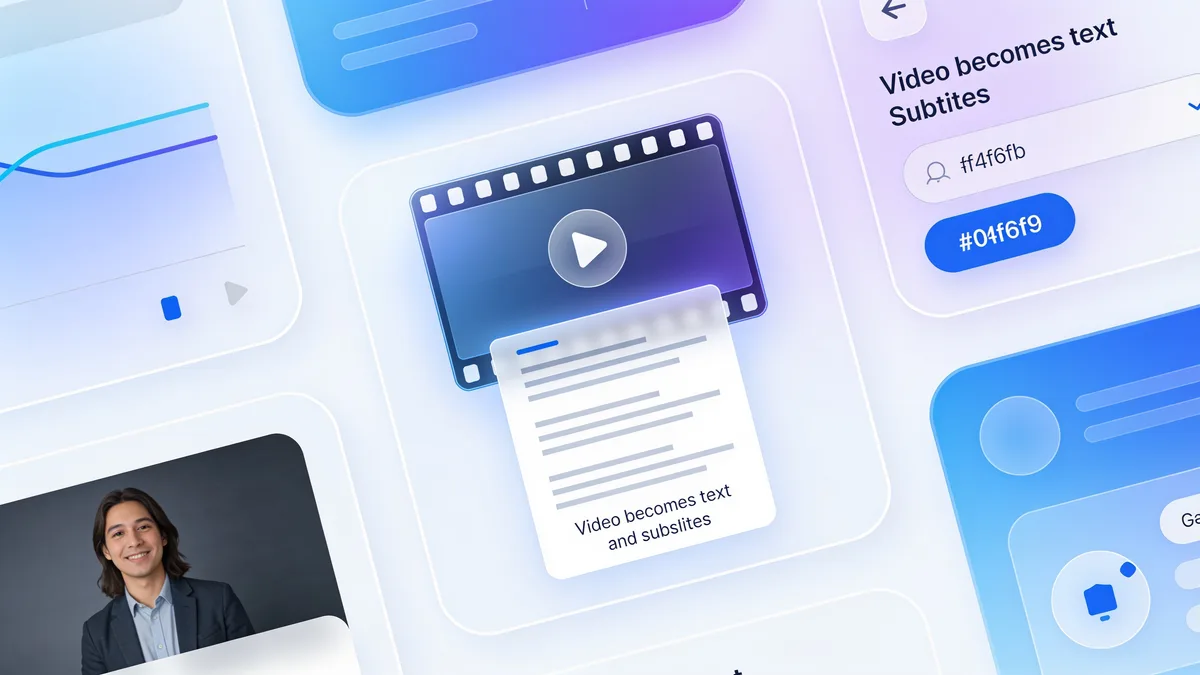
Upload the MP4 to 1Transcribe and the audio track is extracted and transcribed automatically by OpenAI's Whisper models — no separate audio-conversion step needed. You get an editable, speaker-labeled transcript in minutes, exportable as DOCX, PDF, TXT, or timed SRT subtitles. Videos under 5 minutes are free; single files up to 10 hours and 5 GB are supported.
Many people search for how to "rip the audio out of an MP4" before transcribing it. With 1Transcribe you skip that step entirely: upload the video file and the audio track is extracted automatically on our side, then transcribed by OpenAI Whisper. Alongside MP4, the same works for MOV, AVI, MKV, and WEBM — so screen recordings, phone videos, exported webinars, and downloaded clips all convert without any pre-processing. Everything runs in the browser or in the iOS, Android, Mac, and Windows apps.
The most common reason to convert MP4 to text is subtitles, and this is where 1Transcribe shines. Every transcript carries word-level timing, so exporting to SRT gives you properly timed caption blocks you can upload straight to YouTube, drop into Premiere Pro, Final Cut, DaVinci Resolve, or CapCut, or ship with the video file. You can edit the transcript first — fix a name, tighten a phrase — and the SRT export keeps the corrected text aligned with the original timestamps. See the dedicated subtitle generator for the full captioning workflow.
Anything with speech in it:
Whisper's latest models reach up to 99.9% accuracy on clear audio and support 99+ languages with automatic detection — a video in Spanish or Japanese transcribes just as well as English, and you can have the speech translated into English text in the same pass. Speaker diarization labels each voice, which matters for recorded panels and interviews. And because a single upload can be 10 hours and 5 GB, a full-day conference recording or a complete lecture series episode goes through in one piece. Videos under 5 minutes are free with no signup; Unlimited is US$19.99/month or US$49.99/year.
| Video formats | MP4, MOV, AVI, MKV, WEBM |
|---|---|
| Audio extraction | Automatic — upload the video as-is |
| AI engine | OpenAI Whisper (latest models) |
| Accuracy | Up to 99.9% on clear audio |
| Languages | 99+, auto-detected; translate to English |
| Subtitle export | Timed SRT, editable before export |
| Other exports | DOCX (Word), PDF, TXT |
| Max video length | 10 hours per file |
| Max file size | 5 GB per file |
| Speaker labels | Yes — automatic diarization |
| Free tier | Videos under 5 minutes, no signup |
Generate a timed SRT from your final cut and upload it to YouTube for accurate closed captions.
Zoom and Teams export MP4 — transcribe the recording and get an AI summary of decisions and action items.
Import the SRT into Premiere, Final Cut, Resolve, or CapCut instead of typing captions by hand.
Turn training videos into transcripts, searchable notes, and auto-generated quizzes for students.
Caption Reels, TikToks, and Shorts — most viewers watch with the sound off.
Extract quotable, timestamped text from recorded talks, focus groups, and field video.
One subscription · every device
Transcribe on your phone. Edit on your laptop. Dictate on your Mac or PC.
Everything you need for perfect transcriptions, built for heavy users.
Powered by OpenAI's latest Whisper models. We handle accents, background noise, and technical jargon with ease.
Upload files up to 10 hours long and 5GB in size. Perfect for long interviews, lectures, and court proceedings.
Automatically detects and labels different speakers (Diarization), making your transcripts easy to read and edit.
From English to Spanish, French, Chinese, and more. We automatically detect the language for you.
Transcribe Audio (MP3, WAV, M4A...), Video (MP4, MOV...), and extract text from PDFs and Images.
Your files are yours alone. We don't use them for AI training, and they are automatically deleted after 14 days.
Get your transcript ready in minutes by following these three simple steps
Drag and drop your audio, video, PDF, or image file. We support files up to 5GB.
Our AI analyzes your file with 99.9% accuracy, identifying speakers and timestamps automatically.
Review your transcript and export it instantly in DOCX, PDF, SRT, or TXT formats.
No hidden fees. No subscription traps. Cancel anytime.
Free for short files (< 5min).
Files longer than 5 minutes require a subscription.
Best for ongoing transcription work.
Best value for regular users.
Plans auto-renew for your convenience. Cancel anytime in 1 click from your account settings.
“1Transcribe cut my transcription time from hours to minutes. Total game changer.”
— Sarah, Journalist
4.6 from 27,000+ reviews
Everything you need to know about 1Transcribe.
Meet 1Transcribe Dictation — speak 4× faster than you type, in Gmail, Slack, Notion, Cursor, or any app on your Mac or Windows.
Join over 1,000,000 users who trust 1Transcribe for fast, accurate transcriptions.