STEP 01
Upload your file
Drag and drop your audio, video, PDF, or image file. We support files up to 5GB.
Upload an episode and get a speaker-labeled transcript, SRT captions for YouTube, and an AI summary for your episode description. Free for files under 5 minutes.
By using this tool, you agree to our Terms of Service. 1Transcribe is not liable for any legal consequences resulting from your unauthorized use of this tool.
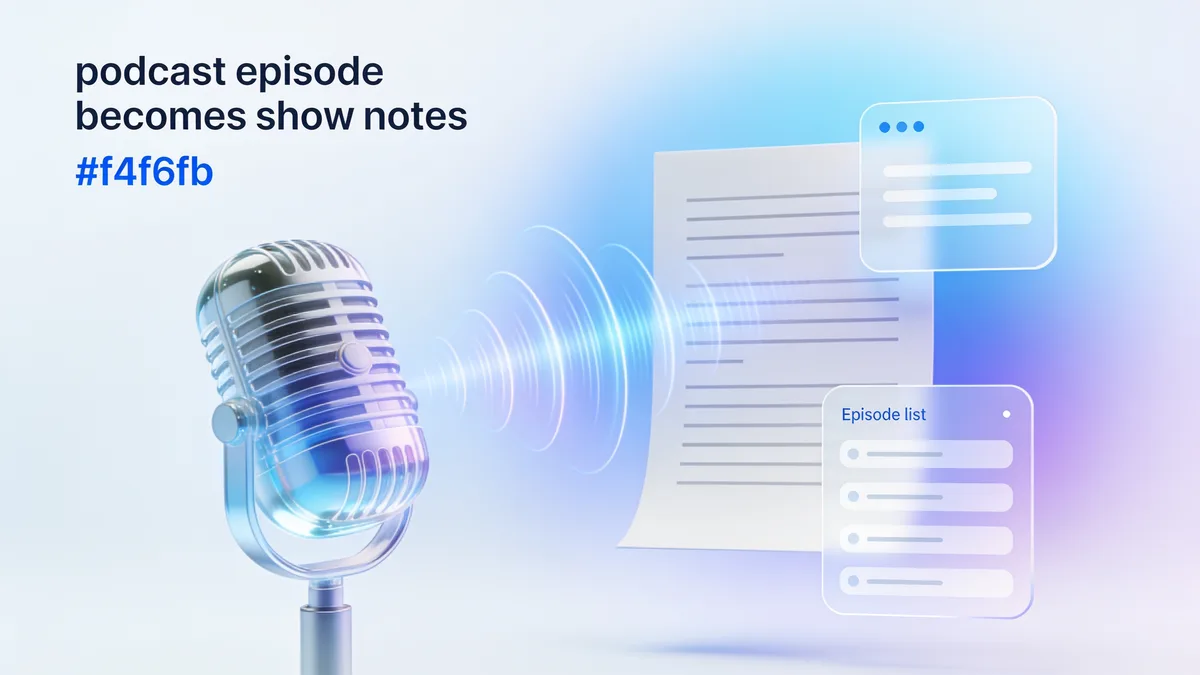
Upload the episode — MP3, WAV, or the video version — to 1Transcribe, and OpenAI's Whisper models return a speaker-labeled transcript in minutes with up to 99.9% accuracy. Export TXT or DOCX for show notes and blog posts, SRT captions for YouTube, and generate an AI summary for the episode description. Episodes under 5 minutes are free; files can run up to 10 hours.
Search engines cannot listen to your show. A transcript turns 45 minutes of audio into thousands of indexable words, so your episode can rank for every topic you discussed — not just its title. Transcripts also make your show accessible to deaf and hard-of-hearing listeners (and podcast apps like Apple Podcasts and Pocket Casts now surface transcripts prominently), and they give skimmers a way to preview an episode before pressing play.
1Transcribe uses OpenAI Whisper to reach up to 99.9% accuracy on clear audio — and podcast audio, recorded on decent microphones, is about as clear as audio gets. Guest names and niche jargon are quick to fix in the built-in editor before you publish.
The transcript is raw material for everything you publish around an episode:
If you publish a video version, captions are non-negotiable — much of YouTube and virtually all social feeds play muted. 1Transcribe exports SRT subtitle files with accurate timing, ready to upload to YouTube, Spotify video, or your editor for burned-in captions on clips. Upload the video file directly (MP4, MOV, MKV, WEBM) and the audio track is transcribed automatically — no need to extract audio first.
Automatic speaker diarization labels each voice, so a two-host banter show or a guest interview reads as a clean dialogue — essential when you are turning conversation into show notes or a Q&A-style article. Long formats are no problem: a single file can run 10 hours, and batch upload (5 files) makes it practical to work through your back catalog and add transcripts to old episodes — often the fastest SEO win an established show can make. Flat pricing matters here too: US$49.99/year covers unlimited episodes, where per-minute services would charge a weekly one-hour show hundreds of dollars a year.
| AI engine | OpenAI Whisper (latest models) |
|---|---|
| Accuracy | Up to 99.9% on clear audio |
| Speaker labels | Yes — automatic diarization for hosts and guests |
| Captions | SRT export for YouTube and video podcasts |
| Show notes | AI summary + timestamped transcript |
| Max episode length | 10 hours per file (5 GB) |
| Batch upload | Up to 5 episodes at once — great for back catalogs |
| Formats accepted | MP3, WAV, M4A, FLAC + MP4, MOV, MKV, WEBM video |
| Exports | TXT, DOCX, PDF, SRT |
| Languages | 99+, with automatic detection |
| Price | Free under 5 min; unlimited episodes from US$4.17/mo billed yearly |
Publish a full transcript with every episode so search engines index thousands of words per show, not just the title.
Export SRT captions for the YouTube version and burned-in subtitles for Shorts, Reels, and TikTok clips.
Generate an AI summary and paste it straight into your podcast host as the episode description.
Turn each episode transcript into a blog post, newsletter, and social thread — one recording, a week of content.
Speaker labels keep host and guest separate, making Q&A-style articles and pull-quotes effortless.
Batch-transcribe old episodes to add transcripts and captions across your archive — a fast, compounding SEO win.
One subscription · every device
Transcribe on your phone. Edit on your laptop. Dictate on your Mac or PC.
Everything you need for perfect transcriptions, built for heavy users.
Powered by OpenAI's latest Whisper models. We handle accents, background noise, and technical jargon with ease.
Upload files up to 10 hours long and 5GB in size. Perfect for long interviews, lectures, and court proceedings.
Automatically detects and labels different speakers (Diarization), making your transcripts easy to read and edit.
From English to Spanish, French, Chinese, and more. We automatically detect the language for you.
Transcribe Audio (MP3, WAV, M4A...), Video (MP4, MOV...), and extract text from PDFs and Images.
Your files are yours alone. We don't use them for AI training, and they are automatically deleted after 14 days.
Get your transcript ready in minutes by following these three simple steps
Drag and drop your audio, video, PDF, or image file. We support files up to 5GB.
Our AI analyzes your file with 99.9% accuracy, identifying speakers and timestamps automatically.
Review your transcript and export it instantly in DOCX, PDF, SRT, or TXT formats.
No hidden fees. No subscription traps. Cancel anytime.
Free for short files (< 5min).
Files longer than 5 minutes require a subscription.
Best for ongoing transcription work.
Best value for regular users.
Plans auto-renew for your convenience. Cancel anytime in 1 click from your account settings.
“1Transcribe cut my transcription time from hours to minutes. Total game changer.”
— Sarah, Journalist
4.6 from 27,000+ reviews
Everything you need to know about 1Transcribe.
Meet 1Transcribe Dictation — speak 4× faster than you type, in Gmail, Slack, Notion, Cursor, or any app on your Mac or Windows.
Join over 1,000,000 users who trust 1Transcribe for fast, accurate transcriptions.