STEP 01
Upload your file
Drag and drop your audio, video, PDF, or image file. We support files up to 5GB.
Record class on your phone, upload, and get a searchable transcript plus an AI summary and quiz built from your own lecture. Free for files under 5 minutes.
By using this tool, you agree to our Terms of Service. 1Transcribe is not liable for any legal consequences resulting from your unauthorized use of this tool.
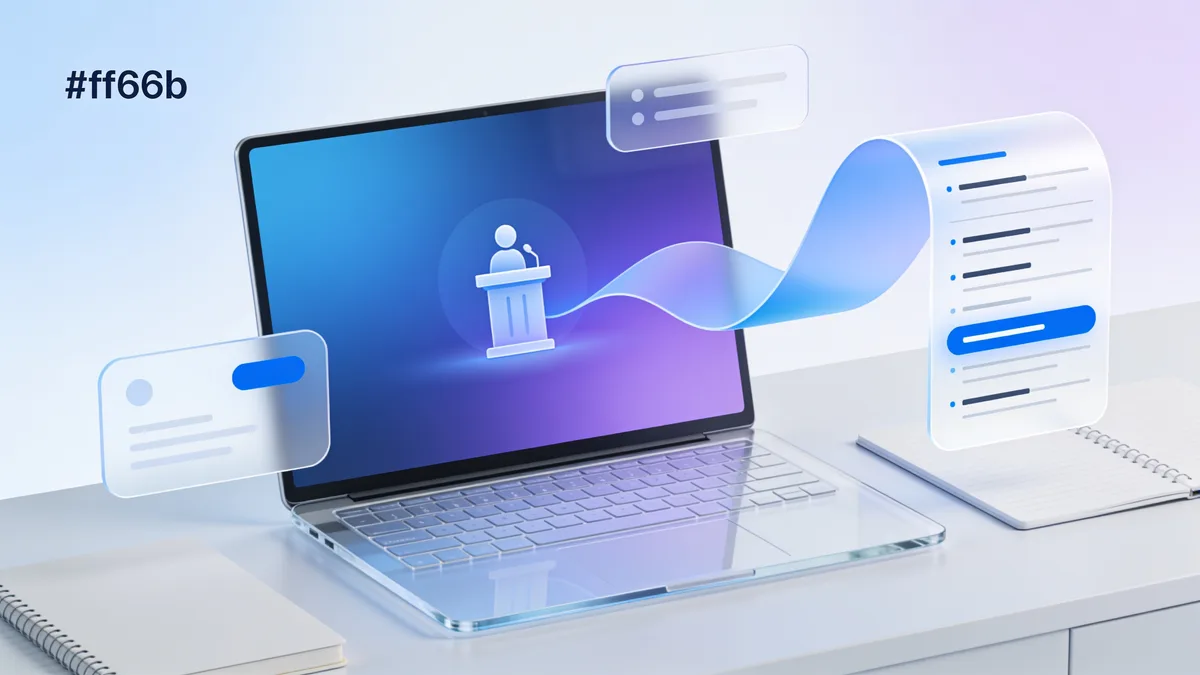
Record the lecture on your phone with the 1Transcribe iOS or Android app (or upload any existing recording), and OpenAI's Whisper models turn it into an accurate, searchable transcript in minutes. From the same transcript you can generate an AI summary and a quiz to study from. Recordings under 5 minutes are free; a single lecture can run up to 10 hours.
Trying to type notes while actually listening is a losing game — you either capture the words or understand the idea, rarely both. Lecture transcription solves it: record the class, stay present, and read it back later as text you can search, highlight, and quote in essays.
1Transcribe has iOS and Android apps, so your phone is the recorder, plus Mac and Windows apps and a browser version for uploading recordings from any device. Whisper's accuracy — up to 99.9% on clear audio — holds up on the hard parts of real lectures: professors with accents, echoey halls, and dense technical terminology, in 99+ languages with automatic detection.
This is where 1Transcribe goes beyond a plain transcript. Once a lecture is transcribed, you can generate study aids from it with one click:
Lectures do not fit tools built for short clips. 1Transcribe handles a single recording up to 10 hours and 5 GB — a full seminar day, a three-hour lab briefing, or a downloaded course video — and you can batch upload 5 recordings to clear a week of classes at once. Video works too: upload an MP4 or MOV of a recorded Zoom lecture or an online course and the audio track is transcribed automatically. Export to DOCX, PDF, or TXT to merge transcripts into your own notes, or SRT if you want captions over the video.
For students with disabilities — hearing impairments, ADHD, dyslexia, chronic illness, or injuries that make handwriting hard — transcription is more than a convenience. Many universities grant note-taking accommodations that permit recording lectures, and 1Transcribe turns those recordings into complete, accurate text so no student depends on borrowed notes. Recordings are private: files are never used to train AI models and are deleted after 14 days. As always, check your university's recording policy or your accommodations letter before recording.
| AI engine | OpenAI Whisper (latest models) |
|---|---|
| Accuracy | Up to 99.9% on clear audio |
| Record on phone | Yes — iOS and Android apps |
| Study aids | AI summaries and quizzes from each lecture |
| Max lecture length | 10 hours per file (5 GB) |
| Batch upload | Up to 5 recordings at once |
| Languages | 99+, with automatic detection |
| Video lectures | MP4, MOV, AVI, MKV, WEBM supported |
| Exports | DOCX, PDF, TXT, SRT |
| Privacy | Not used to train AI; deleted after 14 days |
| Price | Free under 5 min; Unlimited from US$4.17/mo billed yearly |
Generate an AI summary and quiz from each lecture, then search the full transcripts when a past paper stumps you.
Whisper handles dense technical vocabulary, so formulas-heavy biology, medicine, and engineering lectures come out readable.
Transcribe lectures in 99+ languages — or re-read a fast English lecture at your own pace instead of missing half of it live.
Students with approved accommodations get complete lecture text instead of depending on volunteer note-takers.
Upload downloaded course videos or recorded Zoom classes and turn a whole module into searchable notes.
Share the transcript and AI summary with your group so everyone revises from the same complete record.
One subscription · every device
Transcribe on your phone. Edit on your laptop. Dictate on your Mac or PC.
Everything you need for perfect transcriptions, built for heavy users.
Powered by OpenAI's latest Whisper models. We handle accents, background noise, and technical jargon with ease.
Upload files up to 10 hours long and 5GB in size. Perfect for long interviews, lectures, and court proceedings.
Automatically detects and labels different speakers (Diarization), making your transcripts easy to read and edit.
From English to Spanish, French, Chinese, and more. We automatically detect the language for you.
Transcribe Audio (MP3, WAV, M4A...), Video (MP4, MOV...), and extract text from PDFs and Images.
Your files are yours alone. We don't use them for AI training, and they are automatically deleted after 14 days.
Get your transcript ready in minutes by following these three simple steps
Drag and drop your audio, video, PDF, or image file. We support files up to 5GB.
Our AI analyzes your file with 99.9% accuracy, identifying speakers and timestamps automatically.
Review your transcript and export it instantly in DOCX, PDF, SRT, or TXT formats.
No hidden fees. No subscription traps. Cancel anytime.
Free for short files (< 5min).
Files longer than 5 minutes require a subscription.
Best for ongoing transcription work.
Best value for regular users.
Plans auto-renew for your convenience. Cancel anytime in 1 click from your account settings.
“1Transcribe cut my transcription time from hours to minutes. Total game changer.”
— Sarah, Journalist
4.6 from 27,000+ reviews
Everything you need to know about 1Transcribe.
Meet 1Transcribe Dictation — speak 4× faster than you type, in Gmail, Slack, Notion, Cursor, or any app on your Mac or Windows.
Join over 1,000,000 users who trust 1Transcribe for fast, accurate transcriptions.